- Date
Professional CV Photo: How to Make a Strong First Impression
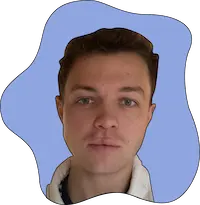
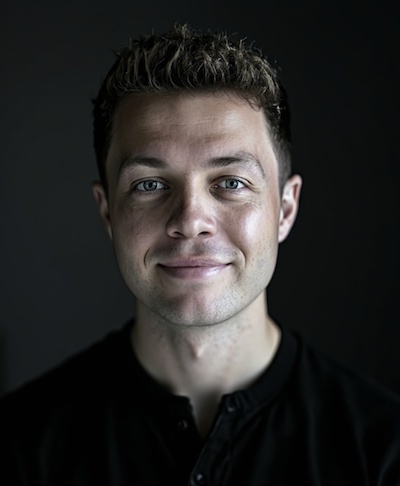
You've polished the cover letter. Your experience is clear. Still, the small portrait on your CV — or LinkedIn — often decides whether someone reads on. A professional CV photo doesn't need to look stiff. It just needs to show you as approachable, credible, and ready for the role.
Job hunting is digital by default: LinkedIn, company portals, and emailed PDFs. Recruiters scroll fast. A clear resume headshot makes you easier to remember and signals that you sweat the details.
Why your CV photo matters
Your photo is a visual handshake. When two candidates look similar on paper, the portrait can tip who gets the interview invite.
A good photo:
- Matches industry tone (more formal in finance/law, slightly softer in tech/startups)
- Looks like you today — not an old graduation shot or a holiday selfie
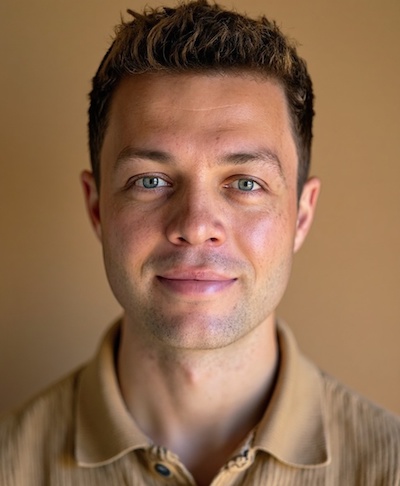
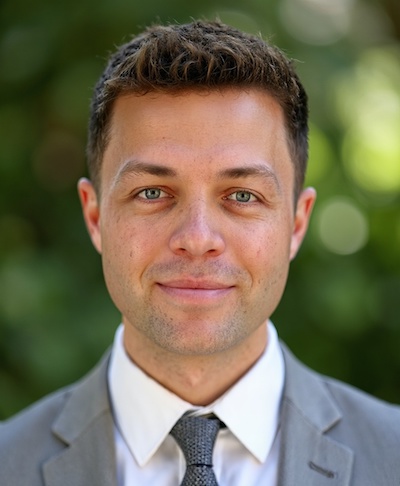
- Has a calm expression, clean light, and a background that stays out of the way
You don't need a wide smile. A natural, friendly look often beats a forced "studio grin."
What recruiters typically look for
Hiring managers and recruiters tend to want the same thing, put plainly: they want to picture you in the role. That usually means:
- Clear face — sharp focus, no harsh shadow across the eyes
- Professional calm — no sunglasses, party filters, or weekend vibes
- Currency — do you look roughly like the person who will walk into the interview?
- Context — clothes and background that don't scream "private life"
LinkedIn is often checked before anyone replies to an application. A blurry or overly casual photo can create doubt — even when the CV is strong.
DIY, photographer, or AI?
DIY at home can work with daylight, a plain wall, and a friend with a phone. The downside: few keepers, and lighting rarely looks consistent.
A professional photographer still wins for press kits and brand campaigns. Quality and direction are excellent — but you pay more, book ahead, travel, and wait for delivery.
AI headshots sit in the middle for many applicants: fast, more affordable than a studio, and multiple styles to choose from. Especially useful when you need a professional CV photo before next week's application round.
How Headshots works
On Headshots.so you upload about 10 selfies (ideally varied light and angles). You pick styles — classic business or something a bit softer — and the AI generates your portraits. Most sets are ready in about 15 minutes.
Plans start from around $29, and you typically get more options than a single studio frame — handy when you need one look for your CV, another for LinkedIn, and maybe one for an internal company profile.
Tips for strong uploads
- Sharp photos where your face is clearly visible
- Vary background and light (window, indoor, outdoor — no sunglasses)
- Skip heavy filters, group shots, and distant full-body photos
- Use recent images that look like you now
Better input usually means a more natural, "you" result.
Ready for a sharper first impression?
If your current resume headshot is outdated, too dark, or just not quite you, updating it is one of the quickest wins in a job search. Create headshots on Headshots.so, pick the portrait that feels most like you — and use it consistently on your CV and LinkedIn.
FAQ
Do I need a photo on my CV? It depends on country and industry. In many markets it's optional; elsewhere it's expected. If you include one, keep it neutral and professional. LinkedIn almost always benefits from a clear headshot.
Is a CV photo the same as a LinkedIn photo? Often yes. LinkedIn can handle a bit more personality; the CV version should stay slightly more restrained.
Can AI replace a photographer? For job applications and LinkedIn: often yes. For high-profile press or brand work: consider a studio shoot if time and budget allow.